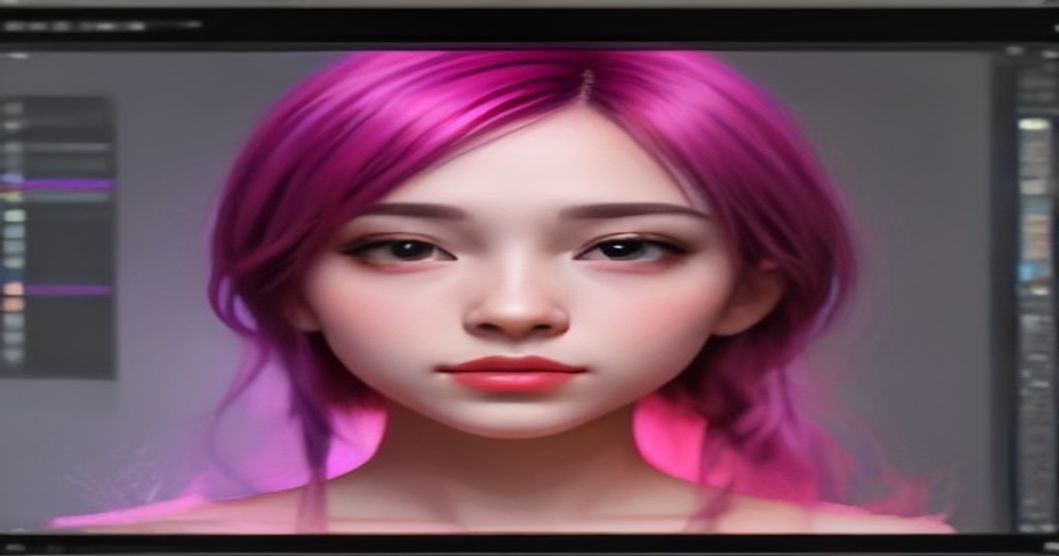
7 Proven Ways to Craft Stunning AI-Generated Portraits Today
My cousin needed a LinkedIn photo before a job hunt. No time for a photographer, so she tried an AI portrait app: uploaded twelve selfies, paid a few dollars, got back eighty "professional headshots". About sixty looked like attractive strangers. Fifteen looked like her cousin. Five looked like her — and one of those five is now her profile photo, and nobody has ever noticed. That ratio, roughly 5 good out of 80, is the honest baseline for AI portraits in 2026. Everything below is about improving it.
Your input photos decide 80% of the outcome
The apps ask for 10–20 selfies, and people feed them whatever's on the camera roll — group shots, sunglasses, the same angle fifteen times. The models average what you give them. What works: varied angles (front, three-quarter, slight profile), consistent recent appearance (same hair era, or the output will split the difference between haircuts), even lighting, no filters, no other people in frame. Twenty minutes taking fresh input selfies against a plain wall improves output more than any setting in the app.
Expect likeness drift, and check it with someone else
Here's the strange part: you're a bad judge of your own AI portrait. You'll accept a flattering near-you because it's flattering; friends spot instantly that "the nose is wrong". Before using a portrait anywhere professional, show your shortlist to two people who see you daily and ask "which of these is actually me?" Their consensus pick is the right answer, roughly always.
Where AI portraits are fine — and where they backfire
- Fine: LinkedIn, a conference speaker page, a newsletter avatar, team pages for a small remote company. Contexts where "recent decent photo" is the bar.
- Risky: dating profiles and anywhere you'll meet people soon after. The gap between an idealised portrait and the real you reads as dishonesty, which is a bad opening note.
- Don't: ID documents, press photos for journalism, anything with a legal identity function. Also obvious once said aloud: generating portraits of other people without consent is off the table entirely.
Prompt-based portraits: style words beat adjective piles
If you're generating from a text description rather than training on selfies, skip "beautiful, stunning, professional, 8k" — that stack produces the same waxy render for everyone. Specify photographic language instead: "85mm lens, soft window light from the left, shallow depth of field, muted colours, slight film grain". Lens and lighting vocabulary maps to how the models were trained on real photography, and grain in particular knocks the plastic sheen off skin.
The uncanny checklist before you publish
Zoom in and check the standard failure points: earrings that don't match, teeth that blend, glasses frames merging into eyebrows, hair strands crossing the face border, and — always — hands if they're in frame. Backgrounds too: AI loves bookshelves with unreadable melted book spines. Two minutes of inspection prevents the reply-guy screenshot pointing out the ear you didn't look at.
Retouching real photos: often the smarter route
Half the people generating AI portraits actually just need one good photo cleaned up. A sharp phone photo in window light, background tidied with a background remover, cropped tight, colours warmed slightly — that's a fifteen-minute job and it's genuinely you. AI-assisted editing of a real photo keeps trust intact; full generation is for when no usable photo exists at all.
Privacy: read the retention terms before uploading your face
Portrait apps ask for the most personal dataset there is — your face from every angle. Before uploading: check whether input photos and the trained model are deleted after delivery (some apps keep both by default), whether your likeness can be used for training, and whether deletion is even offered. Prefer apps with explicit deletion policies, and use the private/incognito training option where it exists. The cheap app that keeps your face model forever is not the cheap option.
Realistic bottom line
Budget an hour: twenty minutes on proper input selfies, a run of generations, ten minutes of shortlisting, a friend's sanity check, and the uncanny scan. You'll land one or two genuinely usable portraits — which is all anyone needs. If your real goal is better images generally rather than portraits specifically, the habits in our image design guide transfer directly.
Frequently Asked Questions
Q1: What is the best AI tool for generating portraits?
The best AI tool for generating portraits depends on your specific needs and preferences. Consider factors such as ease of use, customization options, and output quality when choosing a tool.
Q2: Can I use AI-generated portraits for commercial purposes?
Yes, you can use AI-generated portraits for commercial purposes, but be sure to check the terms and conditions of the tool you are using. Some tools may have restrictions or requirements for commercial use.
Q3: How do I get started with creating AI-generated portraits?
To get started with creating AI-generated portraits, choose a tool that suits your needs, read the documentation carefully, and start with simple prompts. Experiment with different parameters and styles to achieve the desired look and feel.
Q4: Are AI-generated portraits considered art?
This is a topic of ongoing debate. While some people consider AI-generated portraits to be art, others argue that they lack the human touch and creativity. Ultimately, the definition of art is subjective and depends on personal opinion and perspective.
Q5: Can I use AI-generated portraits as a replacement for human artists?
No, AI-generated portraits should not be seen as a replacement for human artists. While AI tools can generate high-quality images, they lack the creativity, imagination, and emotional depth that human artists bring to their work.